

Credit Card Tracker
Credit Card Tracker
Couldn't load pickup availability

One-time Payment

Instant download

Lifetime support
Do you have a Demo File?
Do you have a Demo File?
Does it work with Excel, Google Sheets, or both?
Does it work with Excel, Google Sheets, or both?
Your purchase ONLY works with Google Sheets. The template is NOT compatible with MS Excel.
How to Access?
How to Access?
1. Once your purchase has been confirmed, you will receive an email with the link to access the files.
2. Download the PDF File.
3. The PDF will contain a link to the Google Sheet.
4. Open the link and begin accessing your files!
NOTE: Make sure you have a GMAIL ACCOUNT. If you are using a phone/tablet, please also make sure to install the Google Sheets app first.
Description
Description
Keep your credit cards organized in one place.
Managing multiple credit cards can get confusing. See what you owe, how much you’ve paid, and how much credit you have left with the Credit Card Tracker for Google Sheets.
Simply add your card names and credit limits, then record your monthly charges and payments. Built-in formulas calculate your balances and credit utilization, while visual charts help you review your payment progress.
⭐️ Google Sheets Compatible | NOT compatible with MS Excel
⭐️ Instant Download
⭐️ Lifetime Access
⭐️ Mobile Compatible
What’s included:
-
12 customizable card panels — Rename each panel to match your own credit cards.
-
Monthly charges and payments log — Record new charges, fees, interest, and payments for each card.
-
Automatic balance calculations — See your outstanding balance and remaining credit.
-
Payment status dropdowns — Label payments as paid, partially paid, late, or unpaid with color-coded statuses.
-
Credit utilization gauges and history — See how much of each card’s limit you’re using.
-
Monthly payment progress chart — Compare your bills, payments, and outstanding balances over time.
-
Overall card summary — Review all your cards together and choose which month to display.
Easy to get started:
-
Set your starting month, rename your cards, and enter their credit limits.
-
Log your monthly charges and payments, then choose a payment status.
-
Review your automatically updated summaries and charts.
Includes Philippine peso formatting, clearly shaded formula cells, and instructions to help you get started.
One-time payment • Lifetime access • Google Sheets only
This is a digital template. A Google account is required to use it.
NOTE: THIS DOCUMENT IS FOR GOOGLE SHEETS ONLY - this is NOT fully compatible with MS Excel.
HOW TO DOWNLOAD:
1. Once your purchase has been confirmed, you will receive an email with the link to access the files.
2. Download the PDF File.
3. The PDF will contain a link to the Google Sheet.
4. Open the link and begin accessing your files!
DISCLAIMER
THIS IS A DIGITAL ITEM AND YOU WILL NOT RECEIVE ANY PHYSICAL PRODUCT.
Your file will be ready to download immediately after your payment has been confirmed.
This product is for PERSONAL USE ONLY. Reselling or sharing is not permitted.
Due to the nature of the digital product, no returns, exchanges or cancellations are accepted.
If you do have any problems or questions about the product, please feel free to message us on FB.


Our Bundles
-
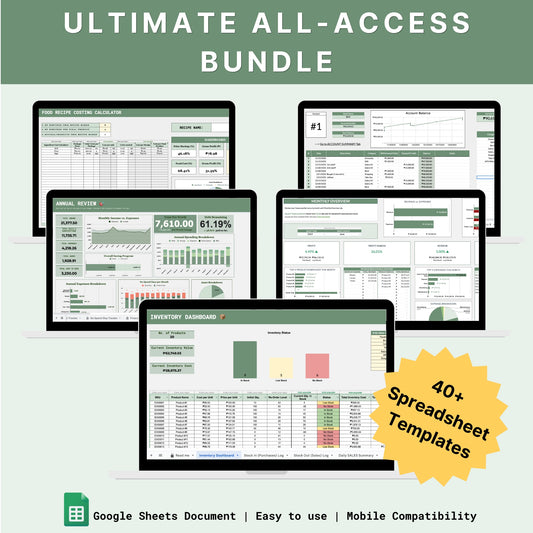
The Ultimate All-Access Bundle
Regular price ₱3,499.00 PHPRegular priceUnit price per₱9,260.00 PHPSale price ₱3,499.00 PHPSale -
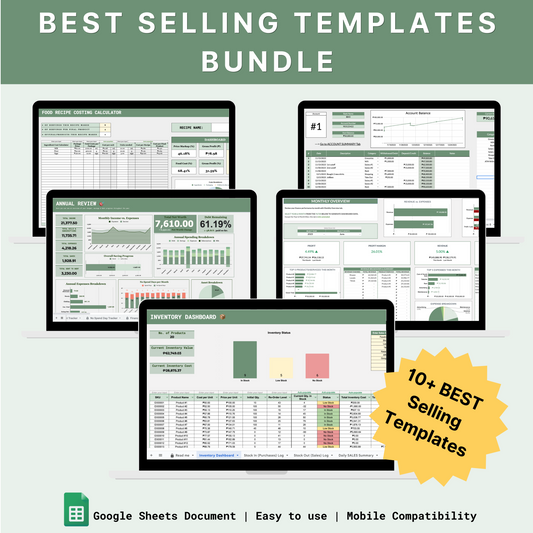
Best Selling Templates Bundle
Regular price ₱1,499.00 PHPRegular priceUnit price per₱3,436.00 PHPSale price ₱1,499.00 PHPSale -
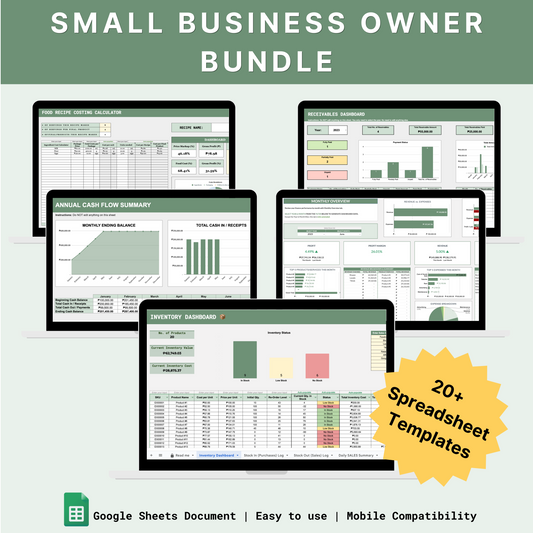
Small Business Owner Bundle
Regular price ₱2,199.00 PHPRegular priceUnit price per₱6,175.00 PHPSale price ₱2,199.00 PHPSale -
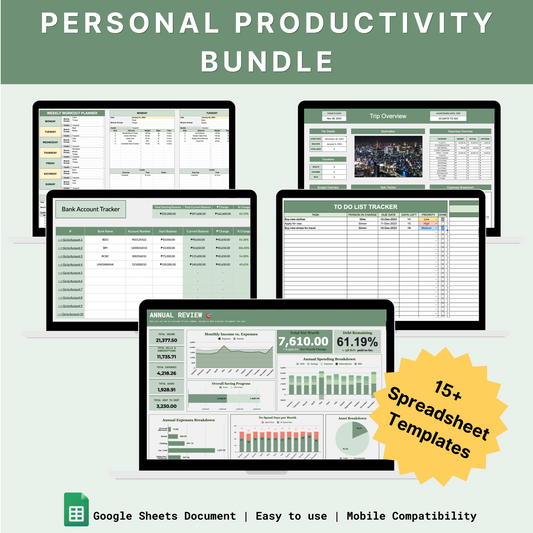
Personal Productivity Bundle
Regular price ₱1,299.00 PHPRegular priceUnit price per₱3,090.00 PHPSale price ₱1,299.00 PHPSale