

Employee Timesheet Tracker
Employee Timesheet Tracker
Couldn't load pickup availability

One-time Payment

Instant download

Lifetime support
Do you have a Demo File?
Do you have a Demo File?
Does it work with Excel, Google Sheets, or both?
Does it work with Excel, Google Sheets, or both?
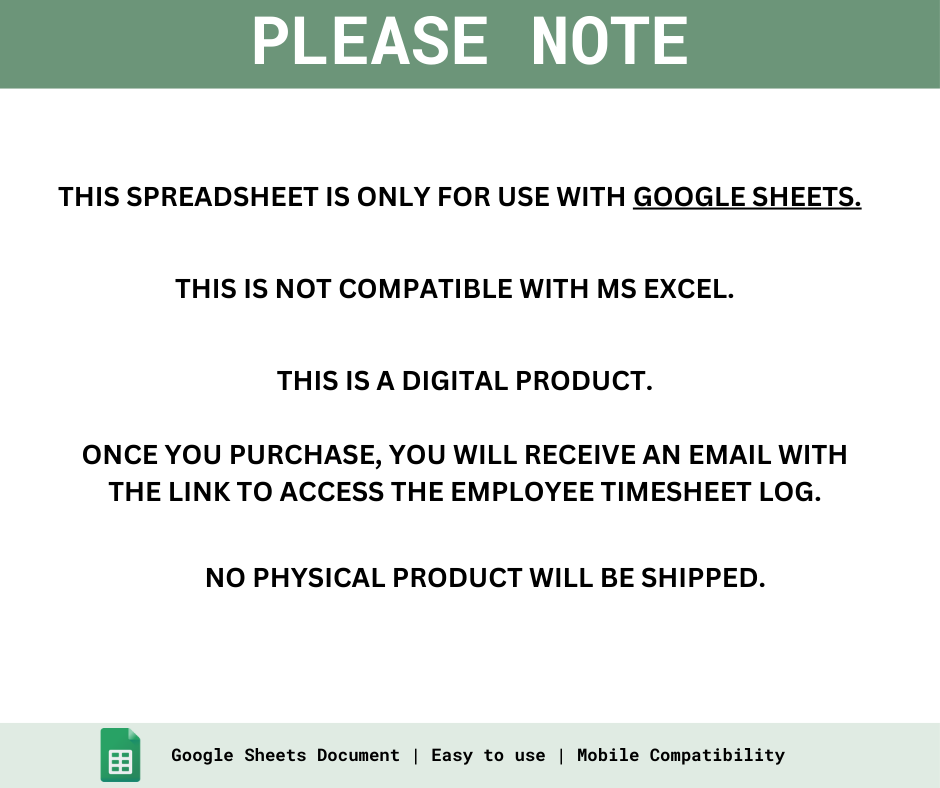
Your purchase ONLY works with Google Sheets. The template is NOT compatible with MS Excel.
How to Access?
How to Access?
1. Once your purchase has been confirmed, you will receive an email with the link to access the files.
2. Download the PDF File.
3. The PDF will contain a link to the Google Sheet.
4. Open the link and begin accessing your files!
NOTE: Make sure you have a GMAIL ACCOUNT. If you are using a phone/tablet, please also make sure to install the Google Sheets app first.
This Employee Timesheet Tracker helps you or your team log hours, breaks, and calculate total pay — including overtime.
It’s perfect for freelancers, employees, or small businesses looking for an accurate, automated way to manage daily work time.
NOT for businesses who need to compute government contributions and taxes
⭐️ Google Sheets Compatible | NOT compatible with MS Excel
⭐️ Instant Download
⭐️ Lifetime Access
⭐️ Mobile Compatible
CLICK HERE TO ACCESS DEMO FILE
FEATURES:
-
Track time-in, time-out, and breaks
- Automatically compute daily hours
- Detect late, undertime, and overtime
- Auto-calculate daily pay based on rates
- Generate daily summaries for any employee
- Avoid computation errors and manual adjustments
- Stay organized with a clean employee database
- Speed up your process every payout
NOTE: THIS DOCUMENT IS FOR GOOGLE SHEETS ONLY - this is NOT fully compatible with MS Excel.
HOW TO DOWNLOAD:
1. Once your purchase has been confirmed, you will receive an email with the link to access the files.
2. Download the PDF File.
3. The PDF will contain a link to the Google Sheet.
4. Open the link and begin accessing your files!
DISCLAIMER
THIS IS A DIGITAL ITEM AND YOU WILL NOT RECEIVE ANY PHYSICAL PRODUCT.
Your file will be ready to download immediately after your payment has been confirmed.
This product is for PERSONAL USE ONLY. Reselling or sharing is not permitted.
Due to the nature of the digital product, no returns, exchanges or cancellations are accepted.
If you do have any problems or questions about the product, please feel free to message us on FB.



Our Bundles
-
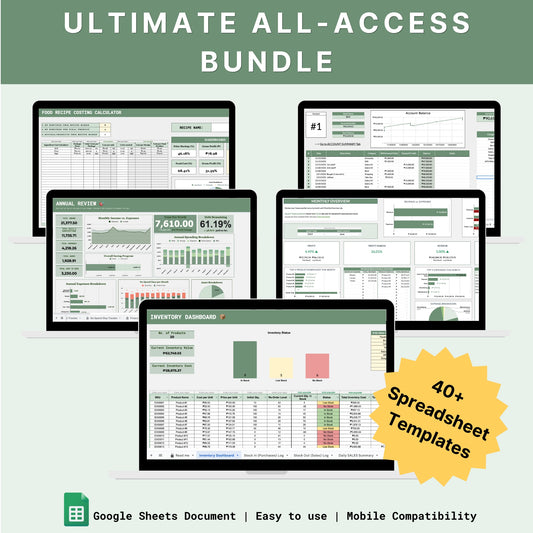
The Ultimate All-Access Bundle
Regular price ₱3,499.00 PHPRegular priceUnit price per₱9,260.00 PHPSale price ₱3,499.00 PHPSale -
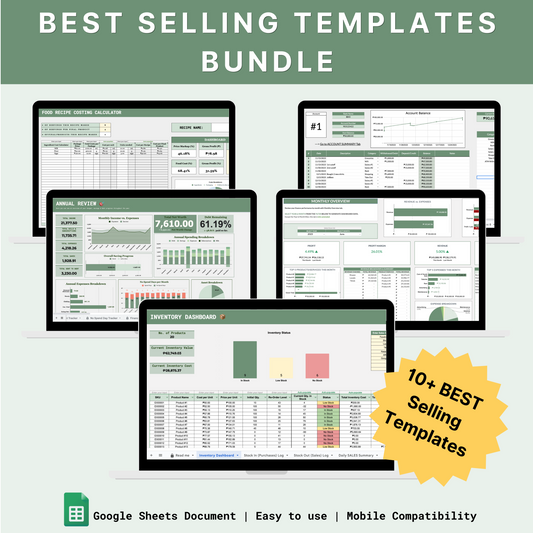
Best Selling Templates Bundle
Regular price ₱1,499.00 PHPRegular priceUnit price per₱3,436.00 PHPSale price ₱1,499.00 PHPSale -
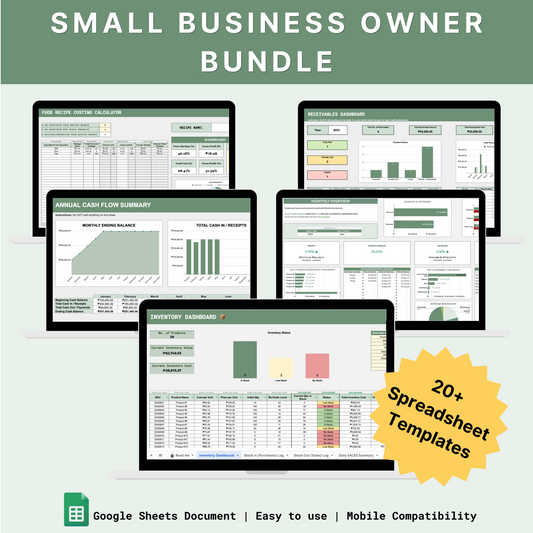
Small Business Owner Bundle
Regular price ₱2,199.00 PHPRegular priceUnit price per₱6,175.00 PHPSale price ₱2,199.00 PHPSale -
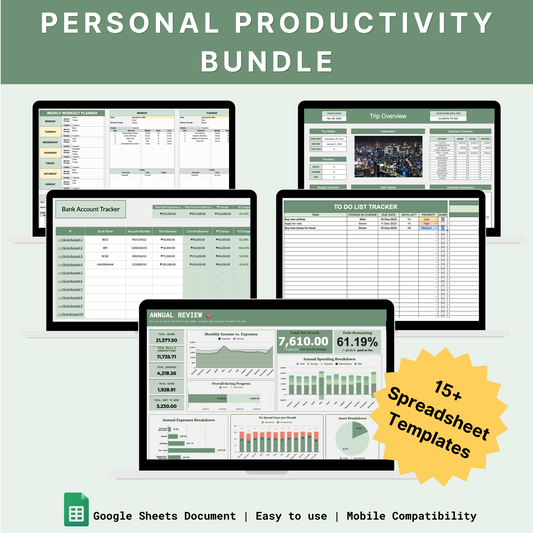
Personal Productivity Bundle
Regular price ₱1,299.00 PHPRegular priceUnit price per₱3,090.00 PHPSale price ₱1,299.00 PHPSale